














Feb 4, 2025
Broken TEREA Stick Stuck in IQOS: How to Remove It
Is a broken TEREA stick stuck inside your IQOS?
How to use the IQOS ILUMA stick extractor
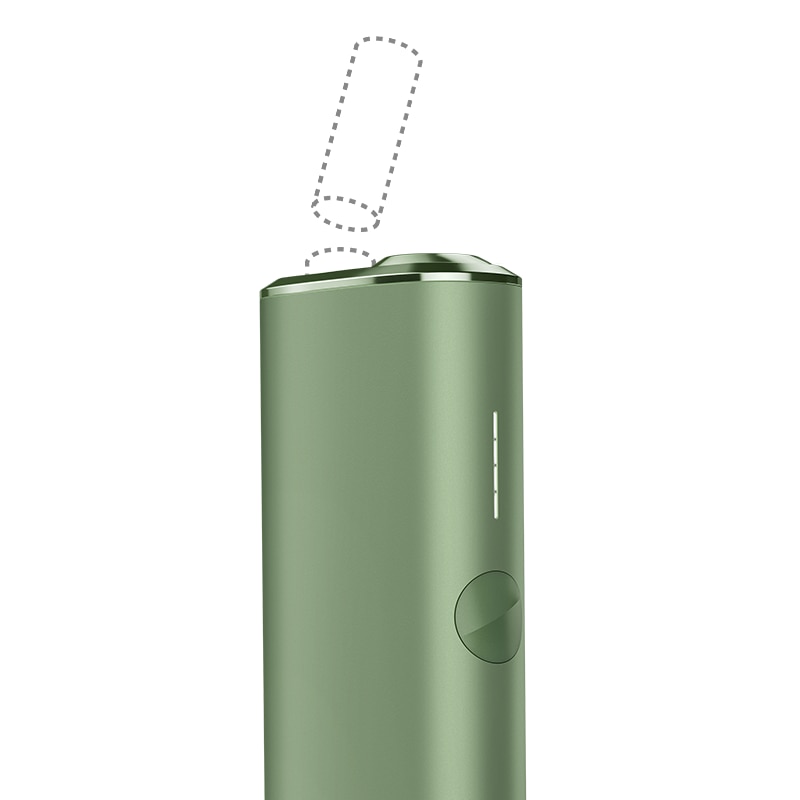
- Before trying to remove the broken TEREA stick, make sure your holder is switched off: place the holder inside the Pocket charger and press the ON/OFF button for 4 seconds. Allow the holder to cool down properly before attempting to remove the broken stick.
- To confirm that it is off, remove the holder from the pocket charger and press the holder button quickly. If no lights appear, the holder is OFF and it is safe to proceed with the extraction. If lights appear, repeat the previous step to turn off the holder.
- A new IQOS ILUMA stick extractor tool has been developed to ensure that any broken TEREA SMARTCORE STICK™ stuck in a holder can be extracted successfully as shown in the graphic and without any risk of damage to the holder.
Do you own an IQOS ILUMA stick extractor? If the issue continues, proceed to the next troubleshooting step below.
How to use the IQOS ILUMA stick extractor
Please, follow the steps here below to remove the broken TEREA SMARTCORE stick ™ using the IQOS ILUMA stick extractor:
- Make sure the holder and the stick are cooled down before proceeding.
- Carefully insert the hook of the IQOS ILUMA Stick Extractor in the holder until the plastic top part of the tool touches the holder ring.
- Rotate the IQOS ILUMA Stick Extractor by approximately 90 degrees and pull it out carefully to extract the piece of broken stick.
- Once you have removed the remaining part of the stick, look inside your device to ensure that there is no debris left in the bottom of the heating chamber.
- Once the stick has been removed successfully, turn on the holder by placing it in the pocket charger and pressing the pocket charger button for 4s until all the lights turn on and the charge level is displayed.
- Please note: IQOS ILUMA is designed to be used only with TEREA sticks. Do not use IQOS ILUMA with previous tobacco stick generations, as this may cause damage to your device.
Did you manage to extract the broken TEREA stick? If the issue continues, proceed to the next troubleshooting step below.
Broken TEREA stick stuck in Device
To remove a broken TEREA stick that got stuck in your Holder, please follow the below steps:
- Make sure the holder and the stick are cooled down before proceeding.
- Use two fingers to carefully remove the broken TEREA SMARTCORE STICK. If it cannot be removed using your fingers, try using a toothpick or a pair of tweezers or a metal clip to remove the part of the stick that remains in the device.
- Once you have removed the remaining part of TEREA SMARTCORE STICK, check inside your device to ensure that there is no debris left in the bottom of the heating chamber.
- Once the stick has been removed successfully, turn on the device by pressing and holding the button for 4s then release; status Lights will turn ON slowly.
- Please note: IQOS ILUMA is designed to be used only with TEREA sticks. Do not use IQOS ILUMA with previous tobacco stick generations, as this may cause damage to your device.
Did you manage to extract the broken TEREA stick? If the issue continues, proceed to the next troubleshooting step below.
IQOS ILUMA Holder
How to use the IQOS ILUMA stick extractor
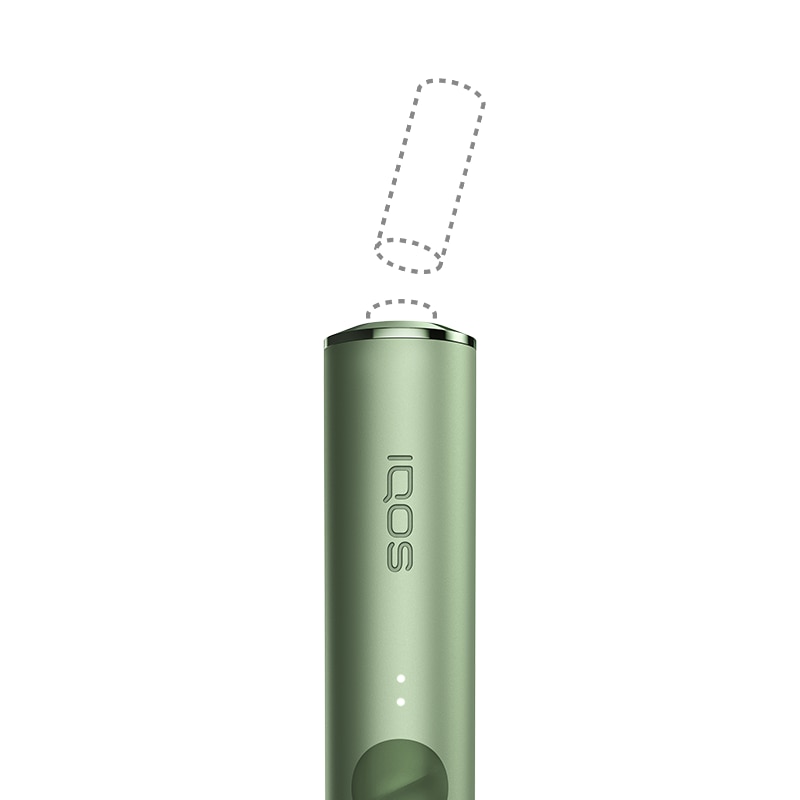
- Before trying to remove the broken TEREA stick, make sure your holder is switched off: place the holder inside the Pocket charger and press the ON/OFF button for 4 seconds. Allow the holder to cool down properly before attempting to remove the broken stick.
- To confirm that it is off, remove the holder from the pocket charger and press the holder button quickly. If no lights appear, the holder is OFF and it is safe to proceed with the extraction. If lights appear, repeat the previous step to turn off the holder.
- A new IQOS ILUMA stick extractor tool has been developed to ensure that any broken TEREA SMARTCORE STICK™ stuck in a holder can be extracted successfully as shown in the graphic and without any risk of damage to the holder.
Do you own an IQOS ILUMA stick extractor? If the issue continues, proceed to the next troubleshooting step below.
How to use the IQOS ILUMA stick extractor
Please, follow the steps here below to remove the broken TEREA SMARTCORE stick ™ using the IQOS ILUMA stick extractor:
- Make sure the holder and the stick are cooled down before proceeding.
- Carefully insert the hook of the IQOS ILUMA Stick Extractor in the holder until the plastic top part of the tool touches the holder ring.
- Rotate the IQOS ILUMA Stick Extractor by approximately 90 degrees and pull it out carefully to extract the piece of broken stick.
- Once you have removed the remaining part of the stick, look inside your device to ensure that there is no debris left in the bottom of the heating chamber.
- Once the stick has been removed successfully, turn on the holder by placing it in the pocket charger and pressing the pocket charger button for 4s until all the lights turn on and the charge level is displayed.
- Please note: IQOS ILUMA is designed to be used only with TEREA sticks. Do not use IQOS ILUMA with previous tobacco stick generations, as this may cause damage to your device.
Did you manage to extract the broken TEREA stick? If the issue continues, proceed to the next troubleshooting step below.
Broken TEREA stick stuck in Holder
To remove a broken TEREA stick that got stuck in your Holder, please follow the below steps:
- Make sure the holder and the stick are cooled down before proceeding.
- To improve the access to TEREA SMARTCORE STICK™ and help with its removal, you can remove the ring from the holder taking care not to lose it.
- Use two fingers to carefully remove the broken TEREA SMARTCORE STICK™. If it cannot be removed using your fingers, try using a toothpick or a pair of tweezers or a metal clip to remove the part of the stick that remains in the device. Please, use extreme caution when inserting any object into the heating chamber as excessive force may damage the internal surface within.
- Once you have removed the remaining part of TEREA SMARTCORE STICK™ check inside your holder to ensure that there is no debris left in the bottom of the heating chamber.
- Once the stick has been removed successfully, turn on the holder by placing it in the pocket charger and pressing the pocket charger button for 4s until all the lights turn on and the charge level is displayed and re-fit the ring if previously removed.
- Please note: IQOS ILUMA is designed to be used only with TEREA sticks. Do not use IQOS ILUMA with previous tobacco stick generations, as this may cause damage to your device.
Did you manage to extract the broken TEREA stick? If the issue continues, proceed to the next troubleshooting step below.
IQOS ILUMA PRIME Holder
Broken TEREA stick stuck in Holder
If the device is now working, the issue is resolved. If the issue continues, proceed to the next troubleshooting step below.
How to use the IQOS ILUMA stick extractor
- Before trying to remove the broken TEREA stick, make sure your holder is switched off: place the holder inside the Pocket charger and press the ON/OFF button for 4 seconds. Allow the holder to cool down properly before attempting to remove the broken stick.
- To confirm that it is off, remove the holder from the pocket charger and press the holder button quickly. If no lights appear, the holder is OFF and it is safe to proceed with the extraction. If lights appear, repeat the previous step to turn off the holder.
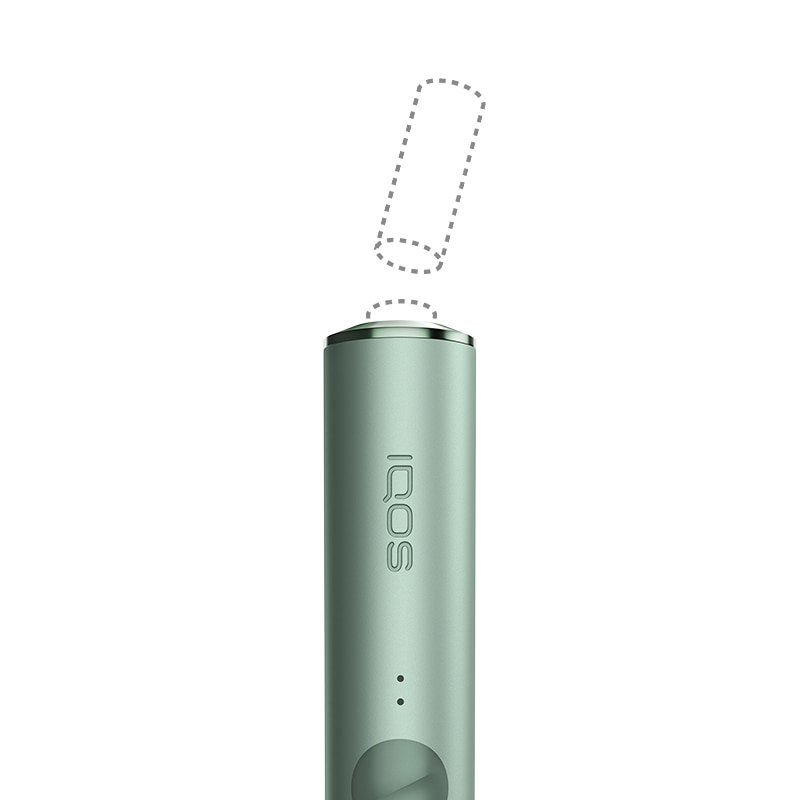
- A new IQOS ILUMA stick extractor tool has been developed to ensure that any broken TEREA SMARTCORE STICK™ stuck in a holder can be extracted successfully as shown in the graphic and without any risk of damage to the holder.
Do you own an IQOS ILUMA stick extractor? If the issue continues, proceed to the next troubleshooting step below.
How to use the IQOS ILUMA stick extractor
Please, follow the steps here below to remove the broken TEREA SMARTCORE stick ™ using the IQOS ILUMA stick extractor:
- Make sure the holder and the stick are cooled down before proceeding.
- Carefully insert the hook of the IQOS ILUMA Stick Extractor in the holder until the plastic top part of the tool touches the holder ring.
- Rotate the IQOS ILUMA Stick Extractor by approximately 90 degrees and pull it out carefully to extract the piece of broken stick.
- Once you have removed the remaining part of the stick, look inside your device to ensure that there is no debris left in the bottom of the heating chamber.
- Once the stick has been removed successfully, turn on the holder by placing it in the pocket charger and pressing the pocket charger button for 4s until all the lights turn on and the charge level is displayed.
- Please note: IQOS ILUMA is designed to be used only with TEREA sticks. Do not use IQOS ILUMA with previous tobacco stick generations, as this may cause damage to your device.
Did you manage to extract the broken TEREA stick? If the issue continues, proceed to the next troubleshooting step below.
Broken TEREA stick stuck in Holder
To remove a broken TEREA stick that got stuck in your Holder, please follow the below steps:
- Make sure the holder and the stick are cooled down before proceeding.
- To improve the access to TEREA SMARTCORE STICK™ and help with its removal, you can remove the ring from the holder taking care not to lose it.
- Use two fingers to carefully remove the broken TEREA SMARTCORE STICK™. If it cannot be removed using your fingers, try using a toothpick or a pair of tweezers or a metal clip to remove the part of the stick that remains in the device. Please, use extreme caution when inserting any object into the heating chamber as excessive force may damage the internal surface within.
- Once you have removed the remaining part of TEREA SMARTCORE STICK™ check inside your holder to ensure that there is no debris left in the bottom of the heating chamber.
- Once the stick has been removed successfully, turn on the holder by placing it in the pocket charger and pressing the pocket charger button for 4s until all the lights turn on and the charge level is displayed and re-fit the ring if previously removed.
- Please note: IQOS ILUMA is designed to be used only with TEREA sticks. Do not use IQOS ILUMA with previous tobacco stick generations, as this may cause damage to your device.
Did you manage to extract the broken TEREA stick? If the issue continues, proceed to the next troubleshooting step below.
Accidental Damage
Accidental Damage is a free of charge service for our customers. It is offered as a support to replace the products which lost the functionality, after being subject to the damages that are not covered by legal warranty (e.g. drops, contacts with liquids or abrasive agents). If your device is eligible, we will place a replacement order for you!
If the issue is resolved
Congratulations! We are happy that you can now continue enjoying IQOS.
- If you need any further support on your device, you can also visit our FAQs
- We are frequently introducing new product and accessories. See what's new by visiting our online store or at one of physical locations