














Feb 4, 2025
IQOS ILUMA Second Light Not Working: How to Fix It
Is the second light on your IQOS ILUMA not working?
Your holder might have not completed the charge for 2nd experience
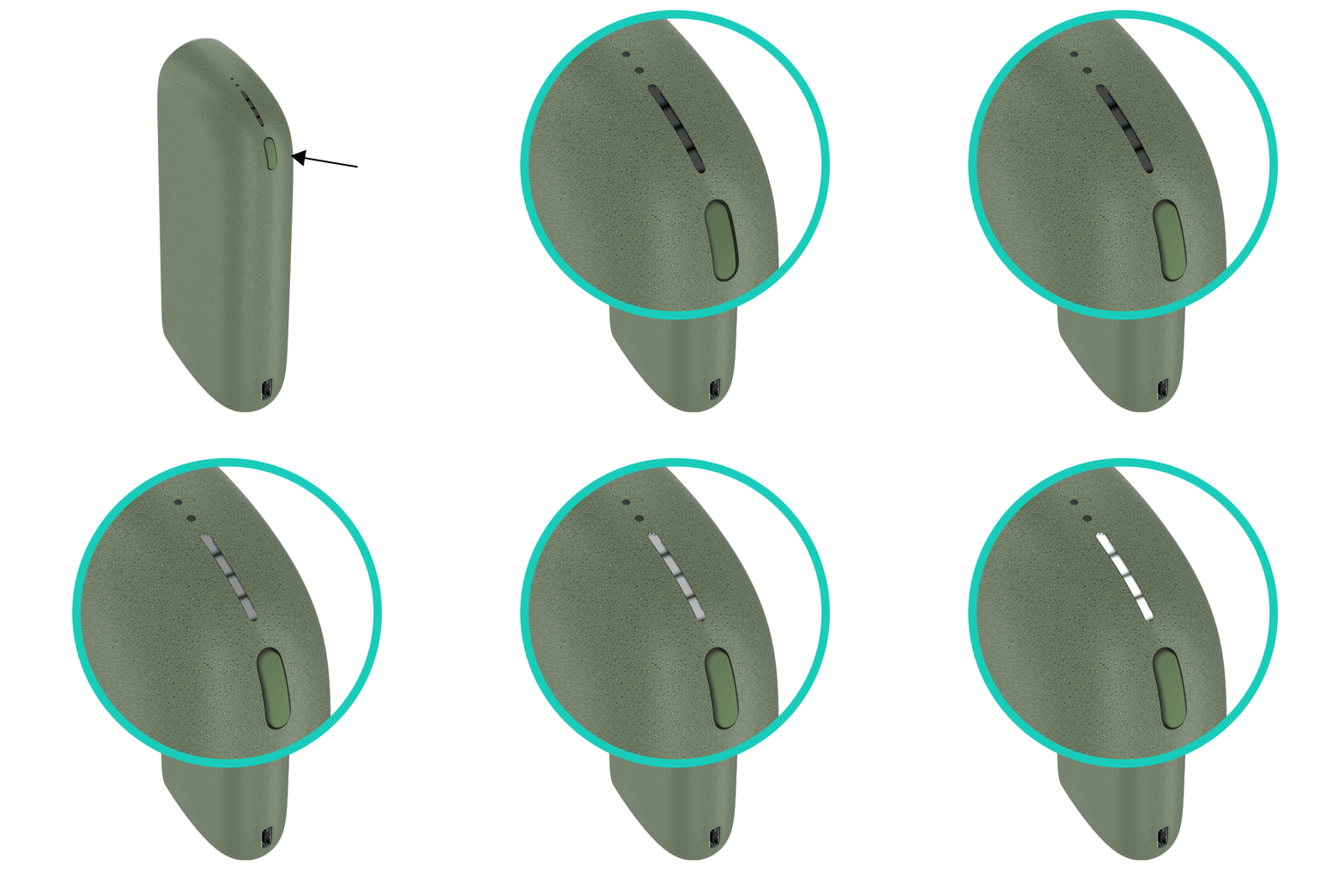
- Give sufficient time to the holder to be fully charged. Both LEDs on your holder must light up with a short press.
- Ensure the optimal charging for your device;
- Use official IQOS power adaptor and cable. Unofficial ones may interrupt the charging.
- Refrain from charging with a laptop. This may also interrupt the charging.
- Check and remove, if necessary, residues or dust that may interfere with the contacts between holder and pocket charger.
After these steps, were you able to charge your holder for 2nd experience? If the issue continues, proceed to the next troubleshooting step below.
IQOS ILUMA PRIME Holder
Your holder might have not completed the charge for 2nd experience
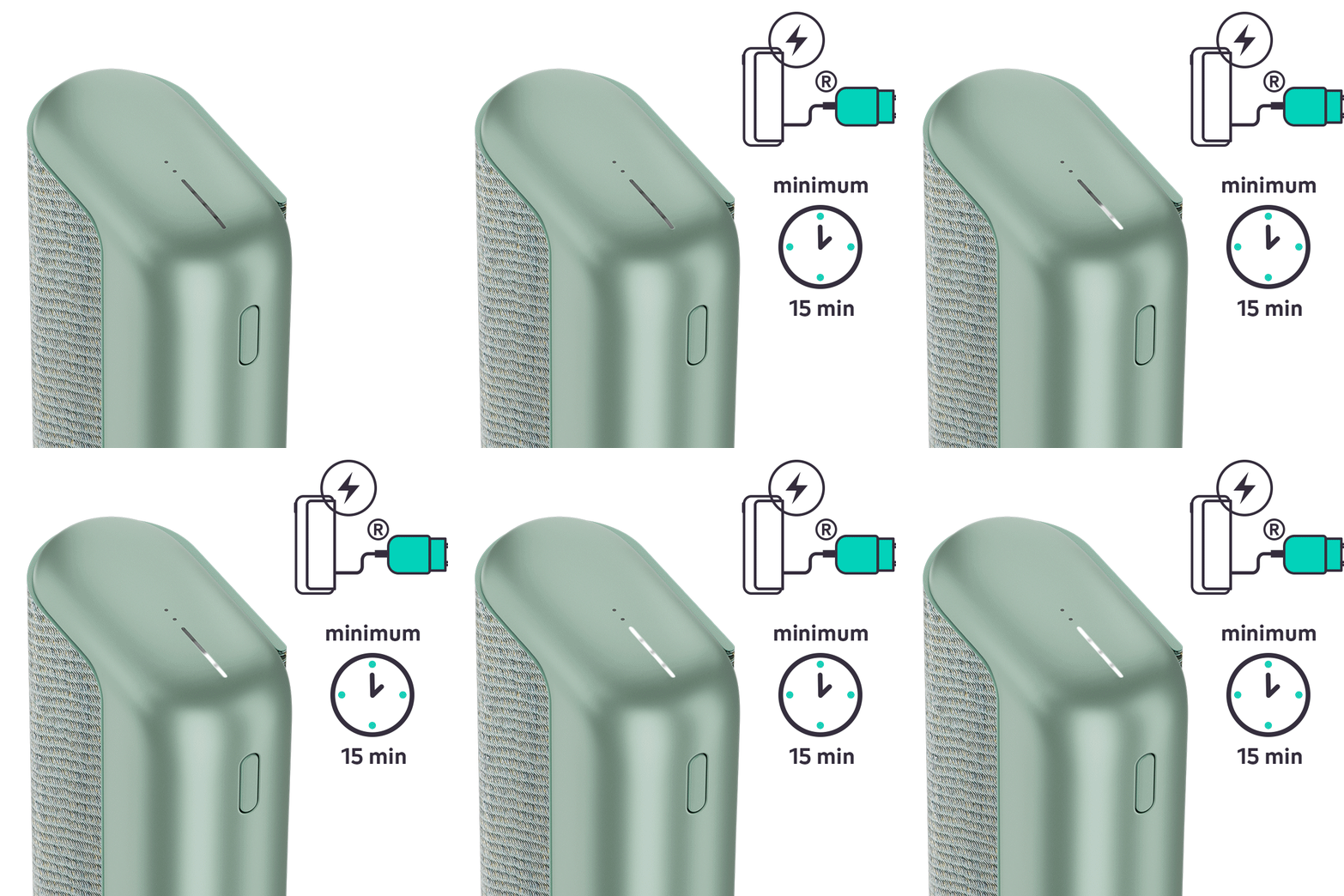
- Give sufficient time to the holder to be fully charged. Both LEDs on your holder must light up with a short press.
- Ensure the optimal charging for your device;
- Use official IQOS power adaptor and cable. Unofficial ones may interrupt the charging.
- Refrain from charging with a laptop. This may also interrupt the charging.
- Check and remove, if necessary, residues or dust that may interfere with the contacts between holder and pocket charger.
After these steps, were you able to charge your holder for 2nd experience? If the issue continues, proceed to the next troubleshooting step below.
If your device is eligible, we will place a replacement order for you!
If the issue is resolved
Congratulations! We are happy that you can now continue enjoying IQOS.
- If you need any further support on your device, you can also visit our FAQs
- We are frequently introducing new product and accessories. See what's new by visiting our online store or at one of physical locations